The Illusion of Interoperability
We were promised a single cable that could do everything. In theory, the USB Type-C connector is a marvel of engineering, a 24-pin reversible interface capable of delivering 240W of power and moving data at 80Gbps. In practice, it is a visual lie. The industry has prioritized aesthetic minimalism over functional clarity, leaving consumers to navigate a landscape where two identical-looking cables possess vastly different capabilities.
This isn't just a minor inconvenience for enthusiasts; it is a fundamental failure of standardized communication. When a user plugs a high-end external drive into a laptop using the cable that came with their phone, they aren't just getting slower speeds—they are often unknowingly throttling their professional workflow by a factor of 40. The physical port has been standardized, but the behavior of that port has been intentionally obscured.
A Taxonomy of Hidden Constraints
The technical fragmentation of USB-C is a direct result of the USB Implementers Forum (USB-IF) allowing optionality to run rampant. Manufacturers are permitted to use the Type-C physical shell for everything from ancient USB 2.0 speeds (480 Mbps) to the latest USB4 specifications. There is no mandatory color-coding, no required tactile feedback, and, most egregiously, no universal labeling system that tells a buyer what a cable actually does.
Consider the power delivery (PD) aspect. A cable might support 3A at 20V (60W), or it might contain an e-marker chip allowing it to handle 5A for 100W or even 240W under the Extended Power Range (EPR) spec. Without a microscope or a specialized tester, the consumer has no way to distinguish between them. This creates a dangerous marketplace where low-quality, non-compliant cables can trigger thermal events or simply fail to charge a laptop during a critical meeting, despite looking exactly like the OEM version.
- Data Rates: 480Mbps, 5Gbps, 10Gbps, 20Gbps, 40Gbps, and 80Gbps all share the same plug.
- Power Tiers: 15W, 27W, 45W, 60W, 100W, and 240W are often indistinguishable visually.
- Alt-Modes: DisplayPort, HDMI, and Thunderbolt 3/4 support are optional and rarely labeled on the cable jacket.
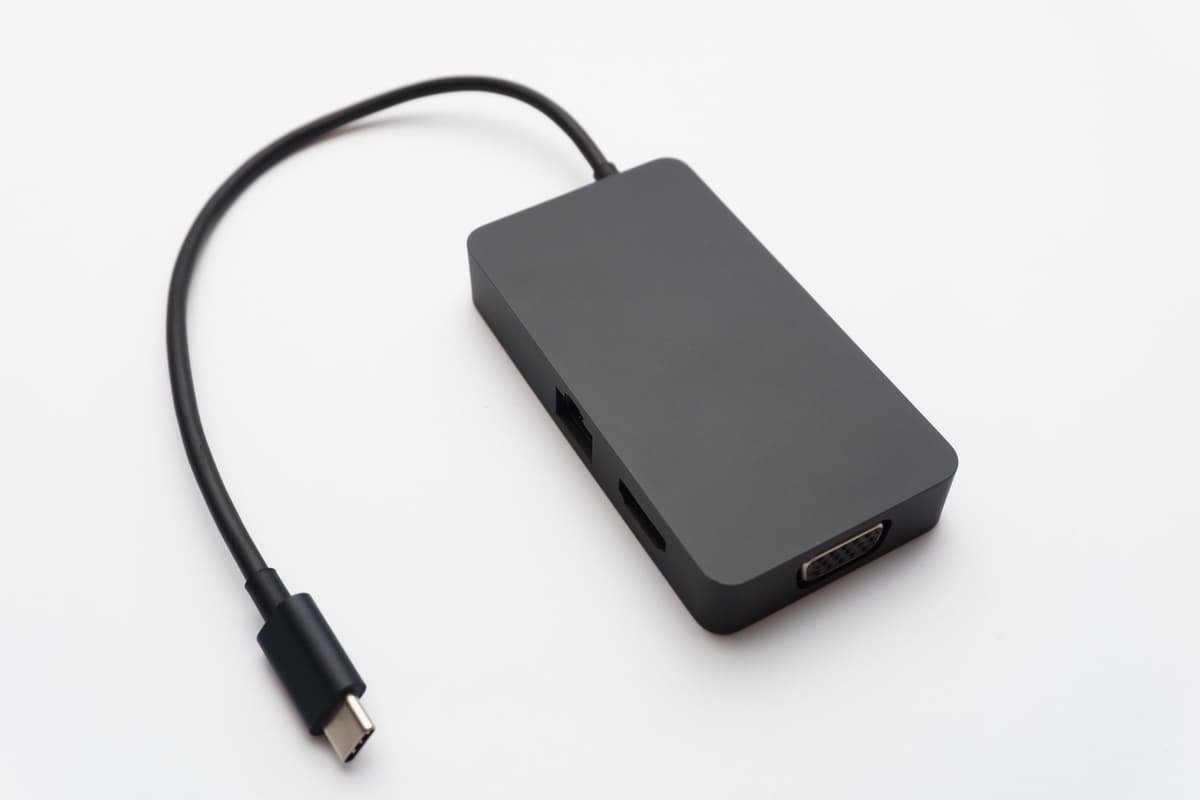
Photo by Aleksander Dumała on Pexels
The Cost of Aesthetic Minimalism
Hardware designers have traded utility for 'clean' industrial design. By removing descriptive icons from ports and cables, brands like Apple, Dell, and Samsung have offloaded the cognitive burden of technical compatibility onto the end-user. The result is a 'trial and error' approach to connectivity that would have been unthinkable in the era of VGA or even USB-A, where the physical shape or color of the plastic (blue for 3.0) provided an immediate, non-negotiable status report.
This lack of labeling is a deliberate choice. Adding printed specifications to a cable jacket increases production costs by fractions of a cent and 'clutters' the minimalist look that modern marketing departments crave. However, when a professional photographer buys a $100 Thunderbolt 4 cable and it looks identical to a $5 charging lead, the standard has failed. The 'Universal' in Universal Serial Bus now refers only to the shape of the hole, not the utility of the connection.
What This Actually Means
The USB-C era has entered a phase of peak confusion that can only be solved through rigorous, mandatory labeling standards. We have reached a point where the technical specifications have outpaced the physical design's ability to communicate them. If the industry continues to prioritize the 'clean' look of an unmarked white cable over the functional necessity of knowing its wattage and data throughput, the brand trust in USB as a standard will eventually erode entirely.
For the working engineer or the informed consumer, the only solution is to treat every unmarked cable as a liability. We are now forced to maintain personal inventories of tested hardware, effectively doing the job that the USB-IF and manufacturers refused to do. The 'one cable' dream is dead; it has been replaced by a drawer full of identical-looking wires that each do something slightly different, waiting to fail us at the most inconvenient moment.
True progress is not just making a connector smaller or faster; it is making it predictable. Until a 40Gbps cable is legally required to say '40Gbps' on both ends, USB-C remains a minefield disguised as a convenience.
Quick Answers
Can I use any USB-C cable to charge my laptop?
Technically yes, but if the cable isn't rated for the specific wattage your laptop requires (often 60W or 100W), it will charge extremely slowly or not at all while the device is in use.
Why is my external SSD transfer so slow over USB-C?
Many USB-C cables included with phones only support USB 2.0 data speeds (480 Mbps), which is roughly 20 to 40 times slower than what your drive and computer are actually capable of.
How can I tell a 'good' cable from a 'bad' one?
Look for cables that are USB-IF certified and explicitly list their data (e.g., 20Gbps) and power (e.g., 100W) specs on the packaging or the cable sleeve itself; avoid any cable that doesn't state these numbers.